
Enough detail to check the answer.
Burnline keeps the daily reading simple without hiding how it was made. Log quickly, inspect every source, and take the record with you.
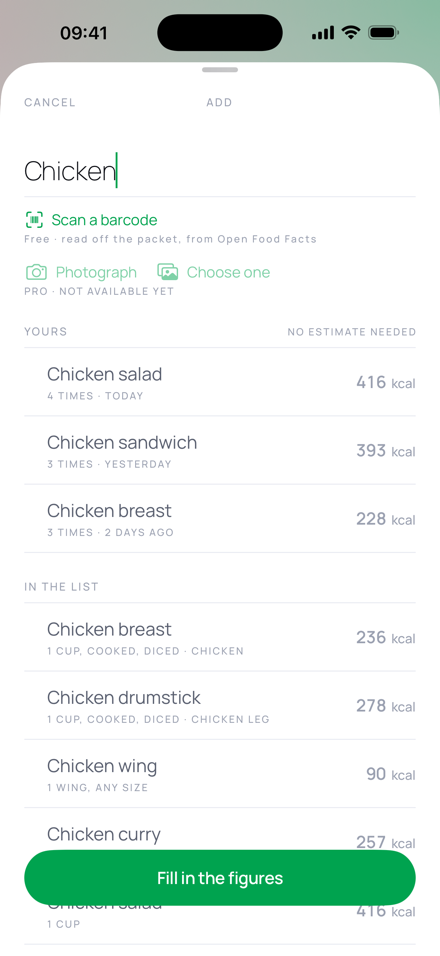
The whole product, without a feature maze.
The free app covers the daily work. Pro adds the features that send a request off the phone.
Live calorie balance
Burned so far minus eaten so far, shown against a target range rather than a score.
See the reading ↓ Record itFive honest logging paths
Repeat, search, scan, enter by hand or request an estimate — without hiding which path supplied the figure.
See logging ↓ Keep it nearbyWidgets and Apple Health
Read the day from the Home Screen or Lock Screen and bring activity in from Health with permission.
See connections ↓ Keep the recordHistory, statistics and export
Review more than one day, correct past entries and export the underlying log as a spreadsheet.
See ownership ↓A scale with two directions.
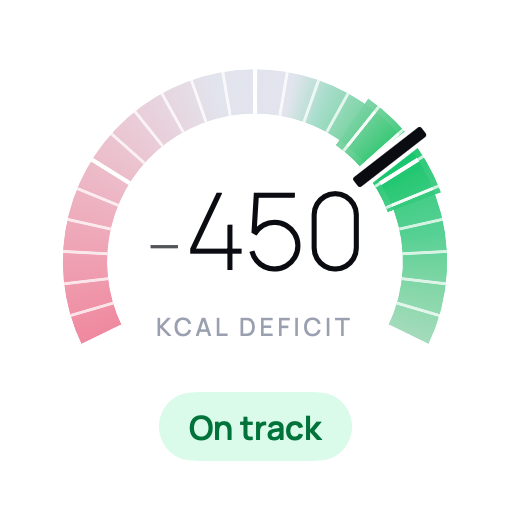
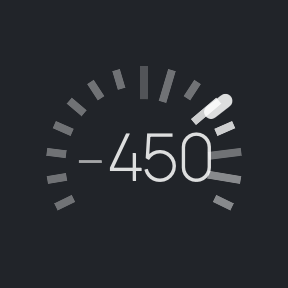
The target is a band in the middle of the dial. Move too far toward a surplus or too far into a deficit and the colour falls away in either direction. A larger deficit never becomes a higher score.
The cards beneath the dial show calories burned, calories eaten, remaining intake and protein. Tap the reading for the full calculation.
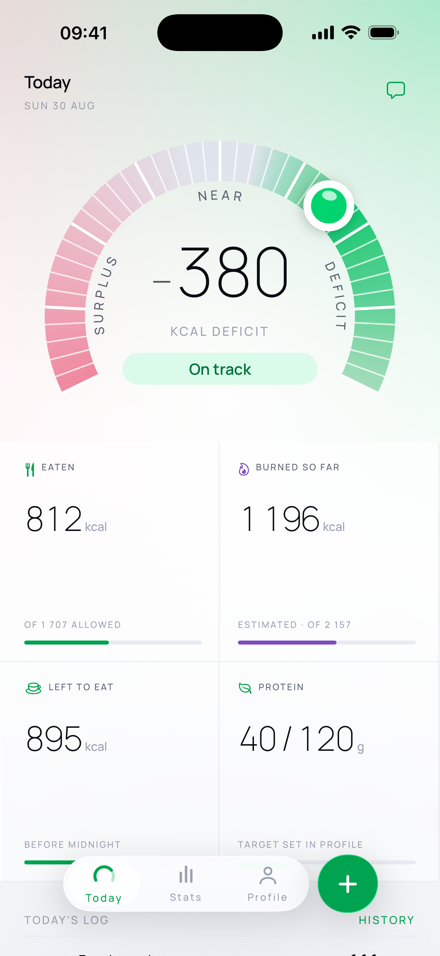
Fast to enter. Slow to overclaim.
Different inputs have different certainty, so Burnline gives each one a visible origin.
Repeat your own entry
Recent items appear first when the field is empty. Repeating one preserves its portion, figures and source.
590 portion-based foods
A concise on-device list derived from USDA FoodData Central, with identifiers retained for traceability.
The fallback stays free
Enter the name, quantity and figures yourself. The manual form is never hidden behind AI or a subscription.
Manufacturer figures
Send only the barcode digits to Open Food Facts and review the returned serving before it is recorded.
A suggestion, not an entry
Describe a meal or photograph it. The model and its assumptions are shown on a confirmation screen before saving.
Health or your own log
Read activity already recorded by Apple Health or add a workout manually when that is the better record.
The useful number where you can see it.
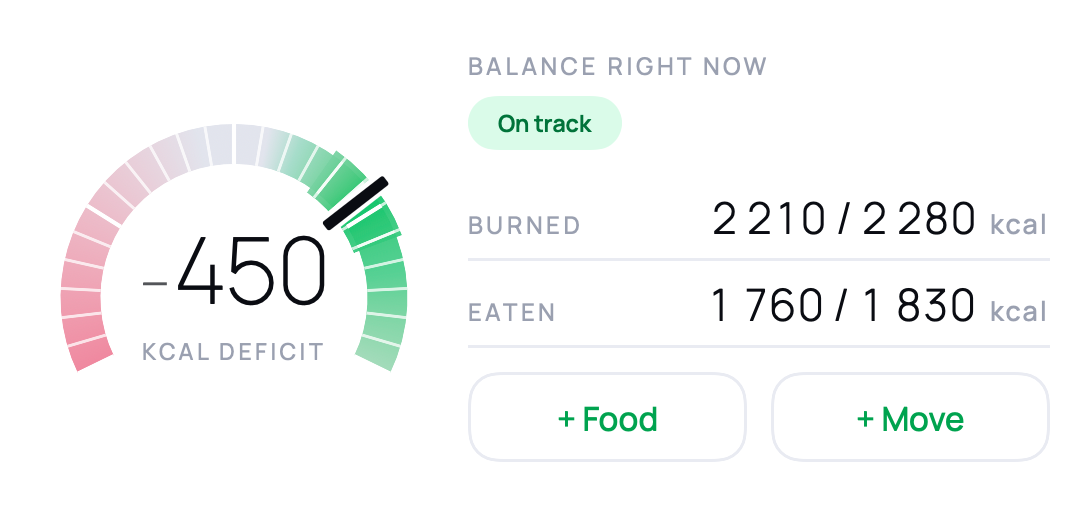
Home Screen and Lock Screen widgets re-run the same balance engine as the app, so they cannot invent a second answer.
Small and medium widgets
The small widget carries the dial, reading and zone. The medium widget also shows burned and eaten, with shortcuts into logging.
Circular and rectangular
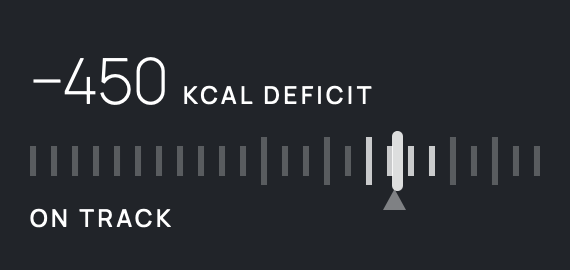
Monochrome accessories use tick weight, brightness and words rather than relying on colour to identify the zone.
A day is a page, not a verdict.
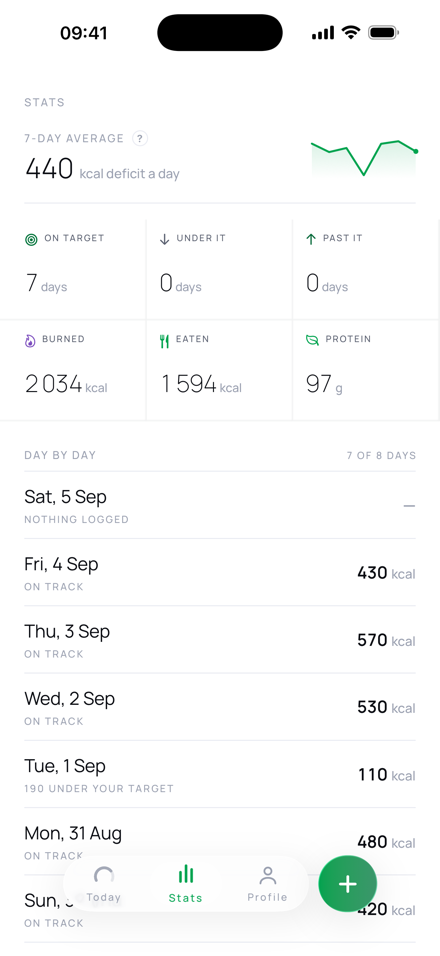
Review daily history and longer averages, then open a past date to fix an incomplete record. Export produces one spreadsheet row per entry, including the origin and source columns.
The app keeps its free-tier data on the phone and asks for no account. Read exactly what leaves the device on the privacy page.
The daily tracker is not a trial.
Core logging, the dial, Health import, widgets, history and export are the free app. Pro covers AI Estimate and the companion.