

There is no single best calorie tracker for every iPhone user. One app gives away a barcode scanner but charges for meal photos. Another is exceptional at micronutrients but deliberately dense. The right free tracker is the one that keeps the part of your routine you use every day outside the paywall.
- MyNetDiary lists a broad free diary, barcode tools and recipes.
- Cronometer emphasises detailed nutrient tracking.
- FoodNoms lists free logging and Health export across Apple devices.
- Burnline shows a live balance with a core diary that needs no account.
- MyFitnessPal and Lose It! list barcode scanning among paid features.
Disclosure and method: Burnline is our app. This comparison uses developer-provided US App Store descriptions, not a hands-on test of every app. The competing listings were rechecked on 2 October 2026; Burnline’s features were checked against its product and source code. Recommendations match listed features to a use case. Barcode coverage, logging speed and Health sync reliability have not been independently benchmarked. Availability can vary by region, device and account.
What “best free” means here
Every app below is free to download and offers a core experience that can be used without an active subscription. A seven-day trial by itself does not count. We looked for useful everyday logging, clear nutrition data, reasonable friction, iPhone and Apple Health integration where available, and an honest boundary between free and paid features.
This is not a laboratory accuracy ranking. Food databases contain a mix of verified entries, manufacturer labels and user submissions, and the portion you enter can matter more than a tiny difference between databases. Our guide to where calorie counts come from explains why.
The comparison at a glance
Swipe sideways to compare every column.
| App | Consider for | Useful free features | Main catch |
|---|---|---|---|
| Burnline | Live calorie balance | Manual and built-in foods, barcode lookup, Health, widgets, history, export, 50 AI estimates | Continued AI estimates and Lorie require Pro |
| MyNetDiary | Broad free diary tools | Unlimited diary, barcode, macros, water, charts, recipes, Health; no ads or account required | Meal Scan and advanced automation are paid |
| Cronometer | Micronutrients and data depth | Calories, macros, 95+ nutrients, barcode scan and Health connection | Free version has ads; advanced tools are Gold |
| FoodNoms | Apple-native simplicity | Unlimited logging, barcode, goals, recipes, Health export and CSV export | AI logging, deeper charts and Health import are Plus |
| FatSecret | Free barcode tools and community | Diary, barcode, photo recognition, reports, weight tracking, Health and community | Interface is busier; some planning tools are paid |
| MyFitnessPal | Food search and integrations | Core food, calorie, macro, water, workout and step tracking | Barcode, meal scan, voice logging and ad-free use are Premium |
| Lose It! | A simple weight-loss budget | Calorie logging, a personalized budget and community | Barcode, photo, voice and advanced nutrients are Premium |
| YAZIO | A polished goal-led experience | Calorie and macro goals, barcode, water, steps and workouts; no sign-up required | Advanced analysis, plans and integrations are Pro |
Eight free-core picks, plus one paid comparison
These promotional screenshots were collected on 24 September 2026 and supplied by each developer on the US App Store. Scroll through them, then open a listing to see the complete set.
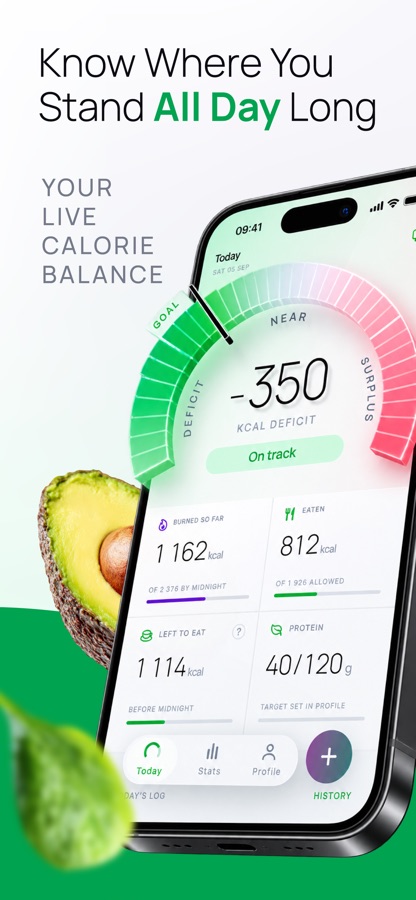
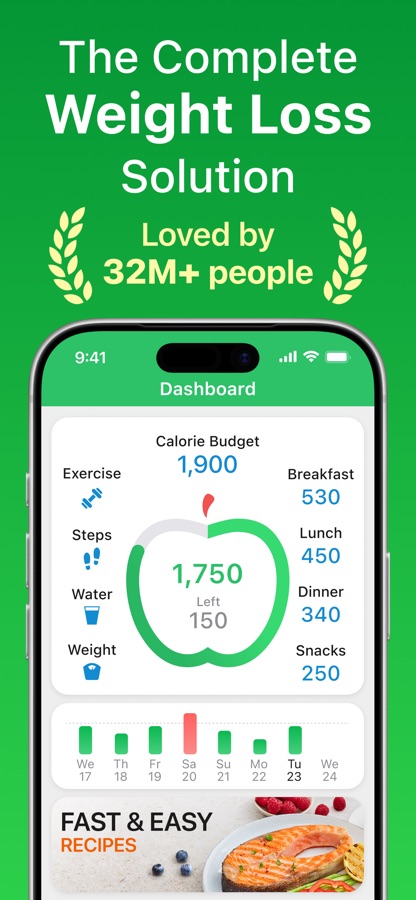
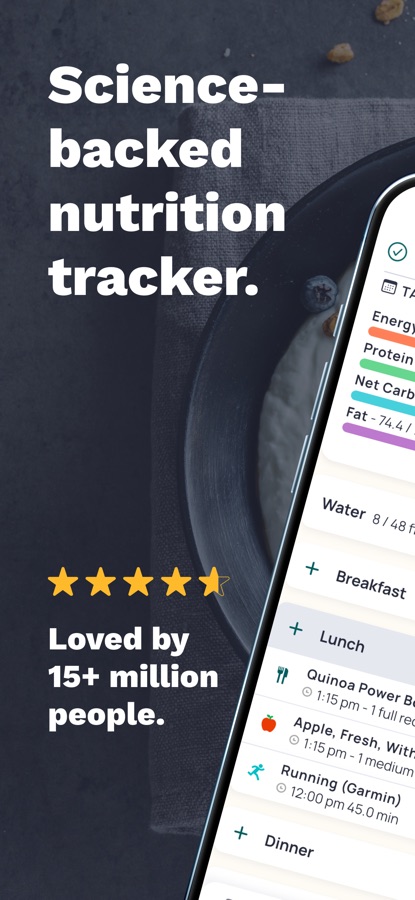
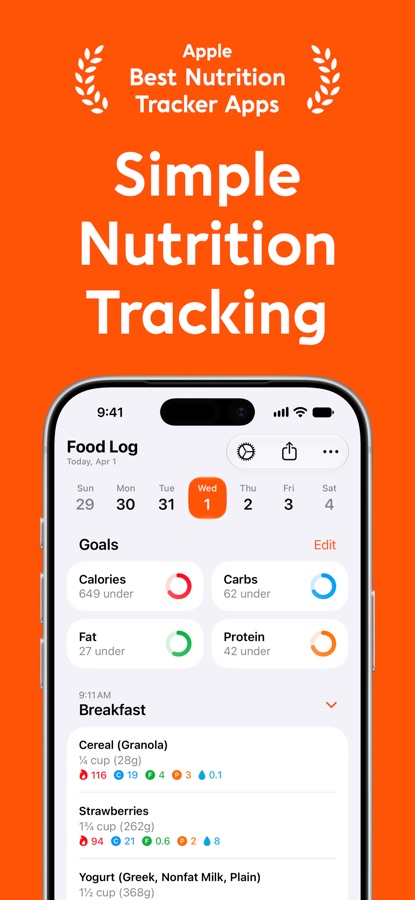
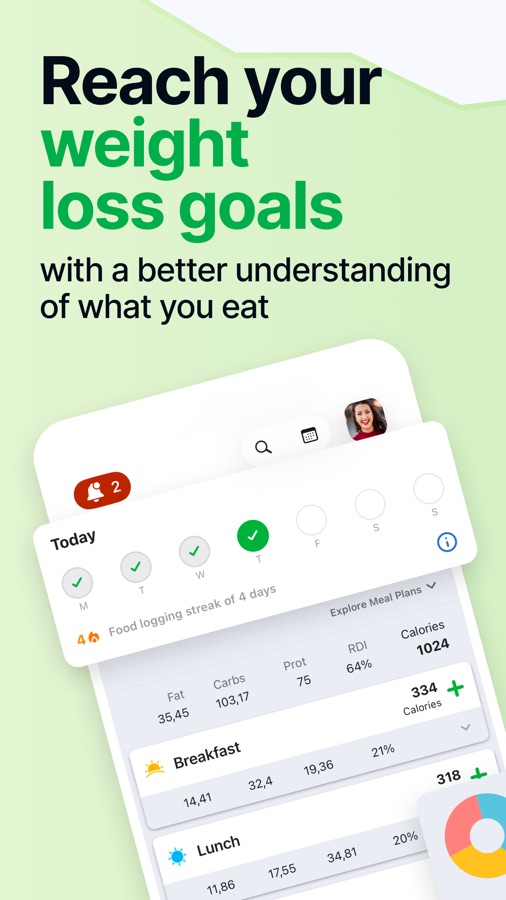
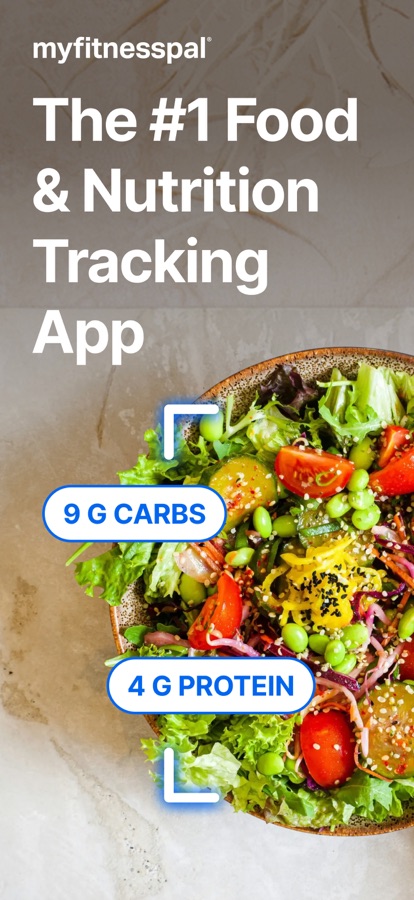
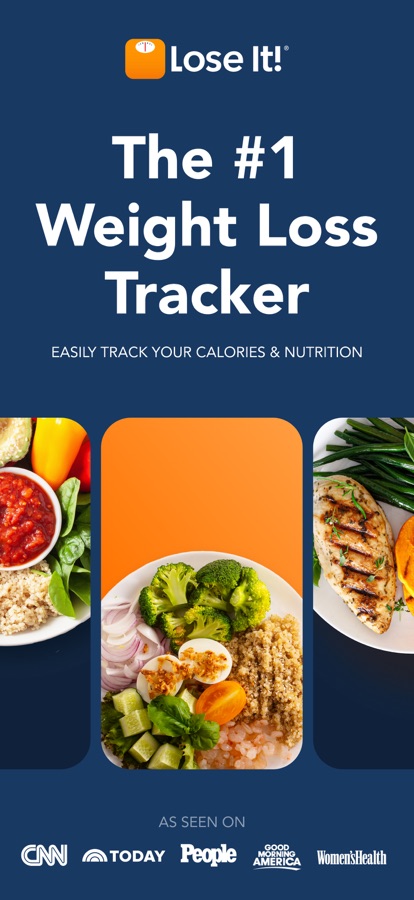
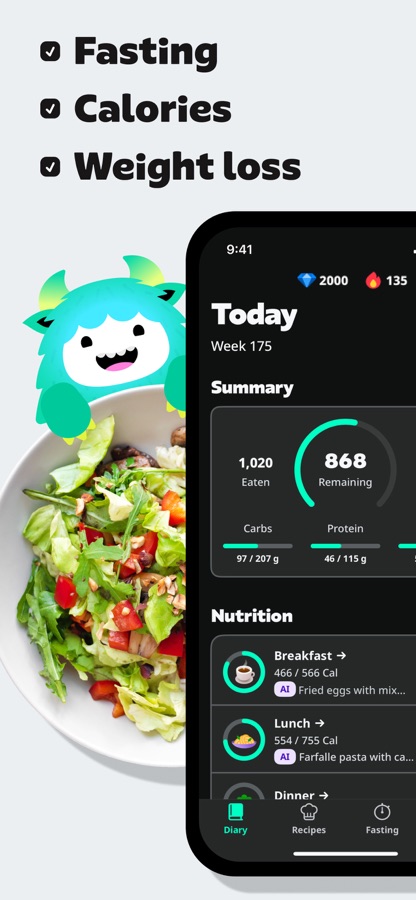
Screenshots © their respective developers. App names and trademarks belong to their owners.
For a live calorie balance: Burnline
Most trackers begin with a fixed daily calorie budget and subtract food from it. Burnline begins with what has actually happened so far: energy burned, food logged and the resulting balance. The dial changes through the day instead of pretending the whole day has already happened.
The free app includes its built-in food list, manual entries, repeats, saved entries, barcode lookup, Apple Health import, widgets, history, statistics and export. It asks for no Burnline account and keeps the core diary on the phone. Eligible devices also receive up to 50 AI estimates; continued estimates and the Lorie companion are Pro.
Choose it if you want to answer “Where am I now?” rather than manage a conventional meal-by-meal budget. Skip it if you need a vast packaged-food database, detailed micronutrient targets or social challenges. See how the balance works or view Burnline on the App Store.
For a broad free diary: MyNetDiary
MyNetDiary is worth considering if a broad set of free diary tools is your priority. Its current listing puts unlimited food logging, barcode scanning, macro and water tracking, calorie and deficit tools, progress charts, custom foods and recipes, Apple Watch, widgets and broad Health integration in the free version. It also says the free experience has no ads and requires no account.
That is an unusually complete baseline. The tradeoff is breadth: there is a lot inside the app, and features such as Meal Scan, recipe import, fasting, deeper trend analysis and automated planning live in paid tiers. If you want a traditional food diary without immediately losing the barcode scanner to a paywall, start here.
For detailed nutrient tracking: Cronometer
Cronometer’s listed nutrient detail is relevant if you want to look beyond calories and protein. Its free version tracks calories, macros and more than 95 vitamins, minerals and other nutrients using a database that the developer describes as curated and verified. Barcode scanning and Apple Health connectivity are included.
The cost of that depth is a more analytical interface, and the free version contains advertising. Photo and voice logging, deeper insights, fasting, recipe import and an ad-free experience are among the Gold features. For someone monitoring iron, fiber, potassium or another nutrient alongside energy intake, those limits may matter less than the quality of the free nutrient view.
For Apple-device integration: FoodNoms
FoodNoms lists apps for iPhone, iPad, Mac and Apple Watch, with distinct free and paid Health features. The free tier includes unlimited food tracking, barcode scanning, calorie and macro goals, recipes and meals, reminders, Apple Health export and CSV export across iPhone, iPad, Mac and Apple Watch. The developer also states that the app has no ads.
FoodNoms+ adds AI photo and text logging, more nutrients, richer charts, recipe import and Apple Health import. That last distinction is worth noticing: exporting nutrition to Health is free, while importing data from Health is paid. Choose FoodNoms if native design, shortcuts and a calm interface matter more than community or coaching.
Four more free options and one paid comparison
FatSecret: strong free tools and a community
FatSecret keeps several conveniences free that competitors now charge for, including barcode scanning and photo recognition. Its listing also includes a food and exercise diary, calorie and macro reports, weight tracking, Apple Health connection and community support. It is a good practical choice if you value free entry methods and do not mind a busier, more conventional diet-app interface.
MyFitnessPal: food search and integrations, with paid scanning
MyFitnessPal remains the familiar option for an enormous food database, restaurant entries, workout logging and connections to other fitness services. The free tier still handles basic food, calorie, macro, water, workout and step tracking. But the current listing places barcode scan, meal scan, voice logging, custom targets and ad-free use in Premium. It makes sense when database reach and integrations matter more than getting every fast-entry tool for free.
Lose It!: a straightforward calorie budget
Lose It! is approachable if your goal is simply to receive a calorie budget, log food and follow weight progress. The free version provides that core loop and access to its community. Barcode scanning, photo and voice logging, advanced nutrient tracking, meal targets and fasting tools are Premium, so it is less generous than it first appears if packaged-food scanning is central to your routine.
YAZIO: polished, guided and easy to begin
YAZIO offers free calorie and macro tracking, customizable goals, a barcode scanner, water tracking, steps and workouts, and its listing says you can begin without signing up. Its visual guidance can be less intimidating than a dense nutrition dashboard. Pro adds more detailed analysis, personalized plans, integrations, long-term trends and an ad-free experience. It is a strong choice for someone who values a guided interface over maximum free data depth.
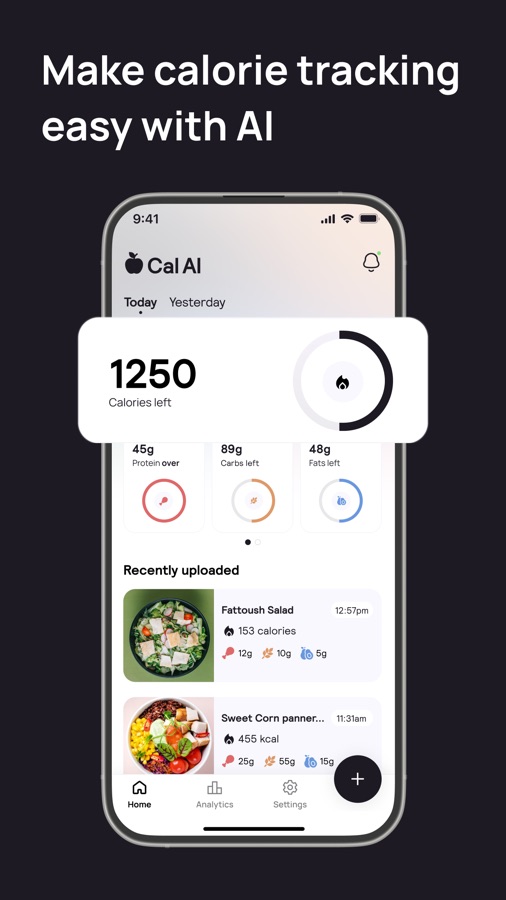
Cal AI: popular, but not a free-core pick
Cal AI deserves a mention because it is one of the most visible photo-first calorie trackers on iPhone. Its App Store listing currently says that food-scanning analysis results require a subscription. That makes it free to download, and it may offer a free trial, but its main experience does not meet the rule used for our eight recommendations: an indefinitely useful core without an active subscription.
If barcode scanning is non-negotiable, begin with MyNetDiary, Cronometer, FoodNoms, FatSecret, YAZIO or Burnline. MyFitnessPal and Lose It! currently reserve the scanner for paying subscribers.
How to choose in five minutes
Pick the one action you expect to repeat most. If you scan packaged food, test three barcodes from your own kitchen. If you cook, try one homemade recipe and portion calculation. If you care about nutrients, compare the iron and fiber view. If you rely on a Watch or Health, verify the direction of the sync — reading from Health and writing to Health are not the same feature.
If you plan to use meal photos, first understand what a photo calorie estimate can miss. Then log one ordinary day, not an idealized one. Count the taps and notice which prompts interrupt you. A database with twenty million foods is not automatically better if you repeatedly choose an unverified duplicate. A beautiful chart is not useful if the entry method makes you stop logging after lunch.
Finally, check the privacy label and subscription screen yourself. “Free” can mean ads, account creation, tracking, a limited number of scans or a free core surrounded by paid convenience. The App Store page shows the current in-app purchases and the developer-reported privacy practices before you install.
Our verdict
For a broad set of listed free diary tools, consider MyNetDiary. For micronutrients, choose Cronometer. For an Apple-first interface, choose FoodNoms. For a conventional tracker with free barcode tools and a community, try FatSecret. Choose MyFitnessPal for ecosystem reach, Lose It! for a simple budget and YAZIO for polished guidance. Choose Burnline if what you actually want is a live view of energy balance and a core diary that works without an account.
The honest answer is not that one tracker wins every category. It is that the right app makes the behavior you need simple — while leaving the features you use every day genuinely free.
Calorie trackers provide estimates and general information, not medical or individualized nutrition advice. Tracking may not be appropriate for everyone, including people with a history of disordered eating. A qualified clinician or dietitian can help when intake needs to be managed for a medical condition.
Official app listings
- Burnline — App Store.
- MyNetDiary — App Store.
- Cronometer — App Store.
- FoodNoms — App Store.
- FatSecret — App Store.
- MyFitnessPal — App Store.
- Lose It! — App Store.
- YAZIO — App Store.
- Cal AI — App Store.
App Store feature descriptions and privacy labels are supplied by each developer and are not independent tests by Burnline or Apple.

